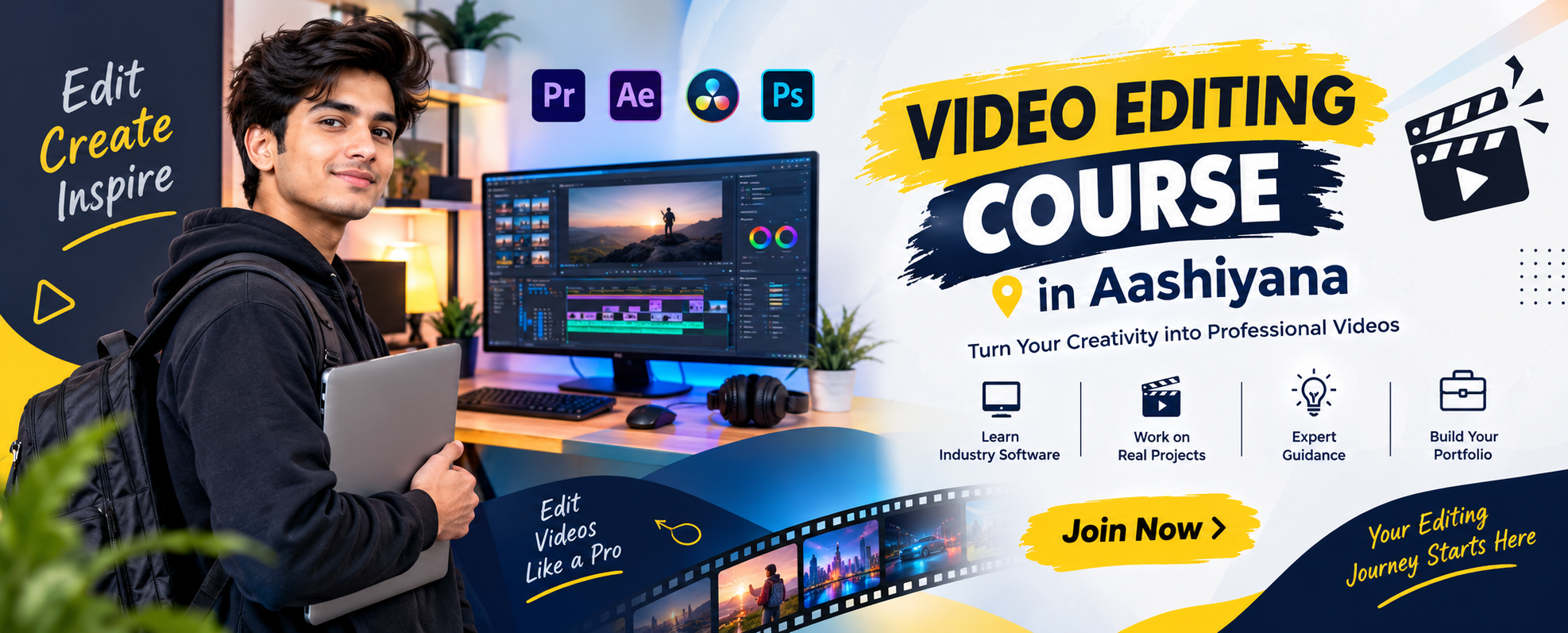
Video Editing Course in Aashiyana
Video content has become one of the most effective ways to communicate ideas, promote businesses, educate audiences, and build an online presence. From YouTube videos and Instagram Reels to advertisements, corporate presentations, wedding films, and promotional videos, skilled video editors are needed across many industries.
If you are looking for a practical Video Editing Course in Aashiyana, learning professional editing techniques along with modern editing software can help you turn raw footage into engaging and polished videos.
Hanumant Technology offers career-oriented Video Editing Training in Aashiyana for beginners, students, content creators, freelancers, and professionals who want to develop practical video editing skills.
Contact Us Now
What Does Video Editing Training in Aashiyana Include?
Video editing is the process of arranging, improving, and combining video footage, audio, graphics, transitions, effects, and text to create a complete visual story.
The Video Editing Coaching in Aashiyana focuses on both creative and technical aspects of editing. Students learn how to organize footage, cut unnecessary portions, improve audio, add text and graphics, apply transitions, and export videos according to different platform requirements.
The training encourages learners to practice editing instead of depending only on theoretical explanations.
Video Editing Course Syllabus in Aashiyana
The syllabus introduces learners to important concepts required for professional video production.
Video Editing Fundamentals
Students begin with basic editing concepts such as timelines, clips, sequences, frames, resolutions, aspect ratios, file formats, and video organization.
Adobe Premiere Pro
Premiere Pro is widely used for professional video editing. Students learn timeline editing, cutting, trimming, audio handling, transitions, effects, titles, color adjustments, and video export.
Adobe After Effects
Learners are introduced to motion graphics and visual effects. They can practice animations, text movement, basic compositing, transitions, and other creative effects.
DaVinci Resolve
Students can explore editing and color-related workflows using DaVinci Resolve. The software provides tools for video editing, color correction, audio work, and visual production.
Audio Editing
Good sound can significantly improve a video's quality. Learners practice adjusting audio levels, removing unwanted portions, adding background music, and synchronizing sound with video.
Color Correction
Students learn the basics of improving brightness, contrast, exposure, and color balance to create a more consistent visual appearance.
Motion Graphics
Motion graphics help make videos more dynamic. Learners explore animated text, simple graphic elements, titles, transitions, and visual movement.
YouTube and Social Media Editing
Students learn how editing requirements can change depending on the platform. They can practice creating content for YouTube, Instagram Reels, Facebook, Shorts, and other digital channels.
Benefits of Video Editing Training in Aashiyana
Develop Creative Skills
Video editing encourages learners to think about storytelling, pacing, music, visuals, and audience attention.
Learn Professional Editing Software
Students gain practical exposure to commonly used editing applications and understand how different tools support different production requirements.
Create a Video Portfolio
Practical assignments can help learners build a collection of edited videos that can be presented to clients or potential employers.
Improve Storytelling
Editing is not only about cutting clips. Students learn how the arrangement of visuals, sound, timing, and transitions can influence the way a story is experienced.
Freelancing Opportunities
Video editing skills can be useful for freelance projects involving YouTube videos, social media content, advertisements, promotional videos, event videos, and other digital media.
Content Creation Skills
People interested in becoming content creators can use editing knowledge to produce more polished and engaging videos for their own channels.
Objectives of the Video Editing Course
The main objective of the Video Editing Course in Aashiyana is to help learners develop the technical and creative skills required to edit different types of video content.
After completing the training, learners can work toward being able to:
- Understand basic video editing concepts
- Organize and manage video footage
- Edit clips using professional software
- Create smooth video sequences
- Add transitions and visual effects
- Work with titles and animated text
- Improve basic audio quality
- Apply color correction techniques
- Create social media videos
- Edit YouTube content
- Understand different video formats
- Export videos for various platforms
- Build practical editing projects
Practical Video Editing Projects
Project-based learning helps students understand how professional editing workflows operate.
Learners may work on projects such as YouTube videos, Instagram Reels, promotional advertisements, educational videos, travel videos, product presentations, event highlights, short-form content, and basic cinematic edits.
A project can involve importing raw footage, selecting useful clips, arranging them on a timeline, adding suitable music, improving sound, applying transitions, adding titles, performing basic color correction, and exporting the final video.
This practical process helps learners develop editing confidence and a better understanding of visual storytelling.
Who Can Join Video Editing Coaching in Aashiyana?
The course can be suitable for:
- School and college students
- Graduates
- Beginners
- YouTubers
- Social media creators
- Freelancers
- Digital marketers
- Photographers
- Working professionals
- Entrepreneurs
- Individuals interested in filmmaking
No professional editing experience is required to begin. Beginners can learn fundamental concepts first and gradually move toward more advanced editing techniques.
Why Choose Hanumant Technology for Video Editing Training?
Choosing the right Video Editing Training Institute in Aashiyana is important because video editing requires consistent practical practice.
Hanumant Technology focuses on hands-on exercises, editing assignments, software practice, creative projects, and practical learning. Students can learn individual editing techniques and then apply them while working on complete video projects.
The approach is designed to help learners understand the complete editing workflow rather than simply learning isolated software tools.
Career Opportunities After Video Editing Training
Video editing skills can be applied in entertainment, advertising, digital marketing, education, media, e-commerce, social media, and content creation.
Depending on skills and experience, learners can explore roles such as:
- Video Editor
- Junior Video Editor
- Content Video Editor
- Social Media Video Editor
- YouTube Video Editor
- Motion Graphics Assistant
- Post-Production Assistant
- Freelance Video Editor
Career growth depends on editing ability, creativity, software knowledge, portfolio quality, communication, and practical experience.
Video Editing Course Fees in Aashiyana
The Video Editing Course Fees in Aashiyana can vary according to course duration, software coverage, practical training, project work, and other learning requirements. Before joining a course, students should compare the syllabus, software included, practical exposure, trainer support, and portfolio-building opportunities.
Start Your Video Editing Journey
If you want to learn professional video editing, motion graphics, audio handling, color correction, and social media content creation, a structured Video Editing Course in Aashiyana can provide a strong foundation.
Practice with real footage, create different types of projects, develop your editing style, and build a portfolio that demonstrates your skills.
Join Video Editing Training at Hanumant Technology and start developing practical skills for a career in the creative and digital media industry.
Frequently Asked Questions (FAQs)
1. What is video editing?
Video editing involves arranging footage, audio, graphics, and effects to create finished videos.
2. What topics are covered in the course?
The course covers editing fundamentals, transitions, audio editing, color correction, and motion graphics.
3. Which software is used for video editing?
Training may include Adobe Premiere Pro, After Effects, and DaVinci Resolve.
4. Can beginners learn video editing?
Yes, beginners can start with basic editing concepts and gradually develop advanced skills.
5. Who can join the video editing course?
Students, content creators, freelancers, digital marketers, and beginners can join.
6. Does the course include practical projects?
Yes, learners can practice editing YouTube videos, Reels, advertisements, and promotional videos.
7. Can I learn YouTube video editing?
Yes, learners can practice editing videos for YouTube and other social media platforms.
8. What career options are available after the course?
Career options include Video Editor, YouTube Video Editor, and Post-Production Assistant.
9. What are the video editing course fees?
Fees depend on course duration and software coverage. Contact Hanumant Technology for details.
10. How can I enroll in the course?
Contact Hanumant Technology for admission details, course fees, and batch timings.