Graphic Design Course in Madiyaon
Graphic design is an important part of modern communication and digital marketing. Businesses use logos, banners, brochures, advertisements, social media posts and website graphics to present their products and services. Attractive visuals help brands communicate messages, build recognition and connect with their audiences.
Graphic design combines creativity, visual planning and technology. Students interested in creative work can explore a Graphic Design Course in Madiyaon to understand design principles and digital tools. Learners searching for Graphic Design Training in Madiyaon can contact Hanumant Technology to enquire about current programme availability, syllabus, fees, duration and batch timings.
Why Learn Graphic Design?
Graphic design helps people communicate ideas through images, colours, typography and layouts. It is useful for businesses, advertising agencies, digital marketing teams, publishers and content creators.
Contact Us Now
A structured Graphic Design Course in Madiyaon can introduce beginners to design concepts step by step. Students exploring Graphic Design Coaching in Madiyaon should compare teaching methods, practical assignments and learning support. When selecting a Graphic Design Institute in Madiyaon, check the course outline and opportunities to practise creative skills.
Regular Graphic Design Training in Madiyaon can help learners understand how to create designs for different platforms and audiences.
Important Topics Covered in Graphic Design
A graphic design programme may cover several subjects depending on the current syllabus. Important topics can include:
- Design Principles: Learn balance, contrast, alignment, hierarchy, proximity and consistency.
- Colour Theory: Understand colour combinations, contrast, visual mood and colour selection.
- Typography: Explore font styles, readability, spacing and text hierarchy.
- Layout and Composition: Learn to arrange text, images and shapes in an organised way.
- Image Editing: Understand cropping, resizing, image correction and visual enhancement.
- Logo and Branding: Explore brand identity, logo concepts, colour palettes and consistent visual presentation.
- Digital and Print Design: Understand the requirements of social media graphics, brochures, posters and banners.
Students considering Graphic Design Coaching in Madiyaon should ask whether these topics are included in the current syllabus. A suitable Graphic Design Institute in Madiyaon should explain the learning objectives and practical requirements. Project-based Graphic Design Training in Madiyaon can help students apply these concepts to creative assignments.
Graphic Design Software and Tools
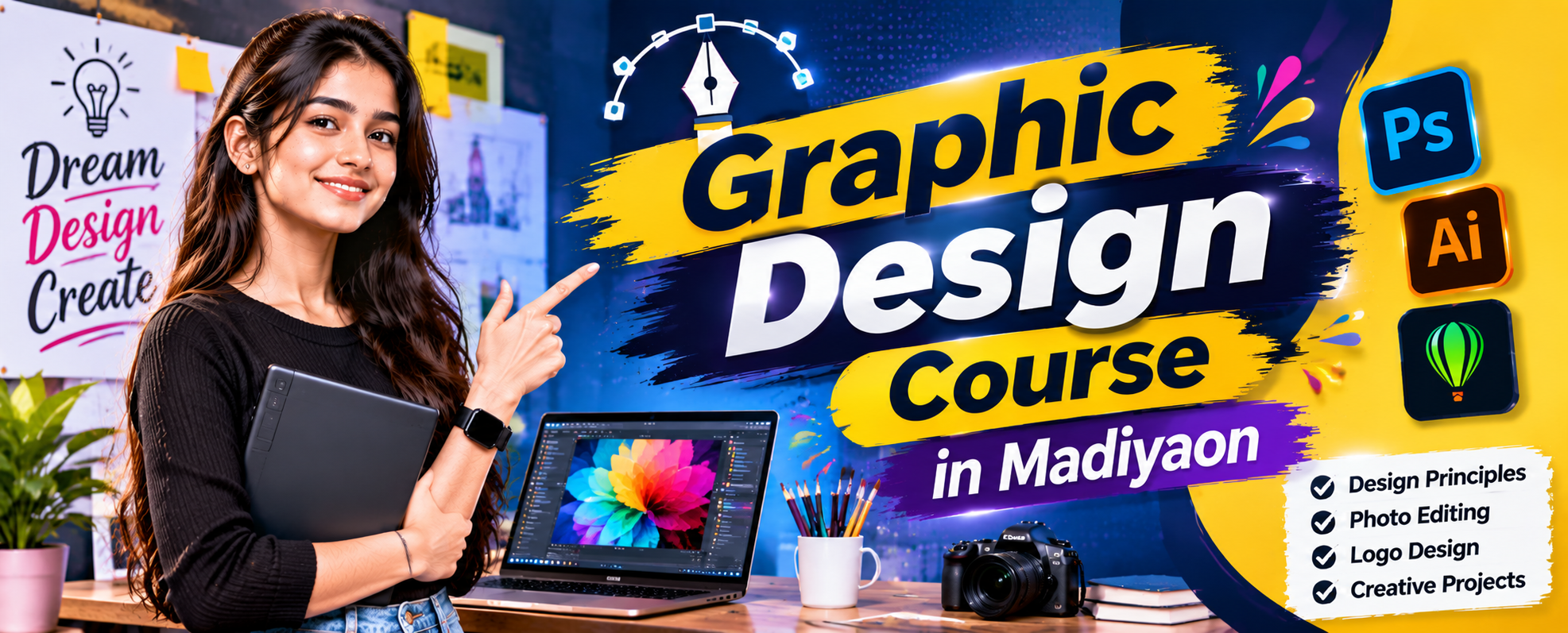
Graphic designers use different software applications to create and edit visual content. Depending on the programme, learners may explore tools such as Adobe Photoshop, Adobe Illustrator, CorelDRAW or other suitable design applications.
Each application has different features. Some tools are commonly used for image editing, while others are useful for vector graphics, logos and illustrations. Students should confirm the software included before enrolling in a Graphic Design Course in Madiyaon.
A useful Graphic Design Course in Madiyaon should focus on design fundamentals as well as software practice. Learners comparing Graphic Design Training in Madiyaon options can ask about practical demonstrations and individual assignments. It is also helpful to compare Graphic Design Coaching in Madiyaon by checking whether students receive feedback on their creative work.
Importance of Practical Design Projects
Practical assignments help learners understand how design principles are used in real situations. Students may practise creating social media posts, business cards, promotional banners, brochures, logos and advertisement creatives.
A Graphic Design Course in Madiyaon can become more useful when it includes different types of design projects. Learners can practise selecting colours, arranging elements, choosing fonts and creating designs for specific audiences.
When comparing Graphic Design Training in Madiyaon options, ask whether students receive feedback on completed assignments. A suitable Graphic Design Institute in Madiyaon should explain how projects are reviewed and how learners can improve their work.
Regular practice can help students build a portfolio that demonstrates their creativity, software knowledge and design skills.
Career Opportunities After Learning Graphic Design
Graphic design skills are useful in advertising, digital marketing, publishing, media, education and e-commerce. Depending on their abilities and experience, learners may explore opportunities such as:
- Graphic Designer
- Junior Visual Designer
- Social Media Designer
- Logo Designer
- Creative Design Assistant
- Advertising Designer
- Freelance Graphic Designer
Career opportunities depend on practical knowledge, creativity, communication and portfolio quality. Completing a Graphic Design Course in Madiyaon does not automatically guarantee employment or income. Students should focus on regular practice and developing quality design samples.
Before choosing Graphic Design Coaching in Madiyaon, ask about practical assignments and portfolio development. Those comparing a Graphic Design Institute in Madiyaon should also check the actual facilities and learner support available.
Why Consider Hanumant Technology?
Hanumant Technology provides technology and professional skill-development programmes. Students interested in graphic design can contact the institute to enquire about current programme availability, syllabus, software coverage, fees, duration and batch schedules.
Before joining Graphic Design Training in Madiyaon, discuss your current skill level and learning goals. Ask whether beginners can enrol, which design applications are covered and what computer requirements are needed. You can also enquire about the practical assignments included in the programme.
When evaluating a Graphic Design Institute in Madiyaon, consider the syllabus, teaching approach and project opportunities. Learners looking for Graphic Design Coaching in Madiyaon can ask about class structure, practice sessions and feedback. A suitable Graphic Design Course in Madiyaon should match your interests and learning objectives.
How to Choose the Right Graphic Design Course
Before enrolling, consider these points:
- Review the syllabus and confirm which design topics are included.
- Ask about software, computer requirements and practical assignments.
- Compare fees, duration, batch timings and learning support.
- Check whether completed projects can become part of your portfolio.
Choosing suitable Graphic Design Coaching in Madiyaon requires understanding the teaching approach and practical learning opportunities. Compare each Graphic Design Institute in Madiyaon carefully and confirm the programme details before admission.
Conclusion
Graphic design offers an opportunity to combine creativity, visual communication and technology. With consistent practice, learners can develop skills for digital and print design projects. Contact Hanumant Technology to enquire about available programmes and admission details. Suitable Graphic Design Training in Madiyaon can provide a structured starting point for developing creative and professional design skills.
FAQs Graphic Design Course in Madiyaon
Q1. What is Graphic Design?
Graphic Design is the process of communicating ideas and information through visual elements such as images, colours, typography, shapes and layouts.
Q2. What topics are covered in a Graphic Design course?
A Graphic Design course may cover design principles, colour theory, typography, layout, image editing, logo design, branding and digital design.
Q3. Is a Graphic Design course suitable for beginners?
Yes, beginners can start with basic design concepts and gradually learn software tools and practical design techniques.
Q4. Which software is used in Graphic Design?
Commonly used tools include Adobe Photoshop, Adobe Illustrator and CorelDRAW. The software covered depends on the course syllabus.
Q5. What is the difference between Photoshop and Illustrator?
Photoshop is commonly used for photo editing and raster graphics, while Illustrator is mainly used for vector graphics, illustrations and logos.
Q6. What is CorelDRAW used for?
CorelDRAW is a vector graphic design application used for creating logos, illustrations, layouts and print-related designs.
Q7. Do I need drawing skills to learn Graphic Design?
No, advanced drawing skills are not essential to begin. Understanding design principles, creativity and regular software practice are helpful.
Q8. What projects can I create while learning Graphic Design?
Learners may practise creating logos, social media posts, banners, brochures, posters, business cards and other promotional designs.
Q9. What career opportunities are available after learning Graphic Design?
Depending on skills and portfolio quality, learners can explore roles such as Graphic Designer, Visual Designer, Social Media Designer and Creative Design Assistant.
Q10. How can I enquire about Graphic Design course fees and admission?
You can contact Hanumant Technology to enquire about the current syllabus, course duration, fees, batch timings and admission process.