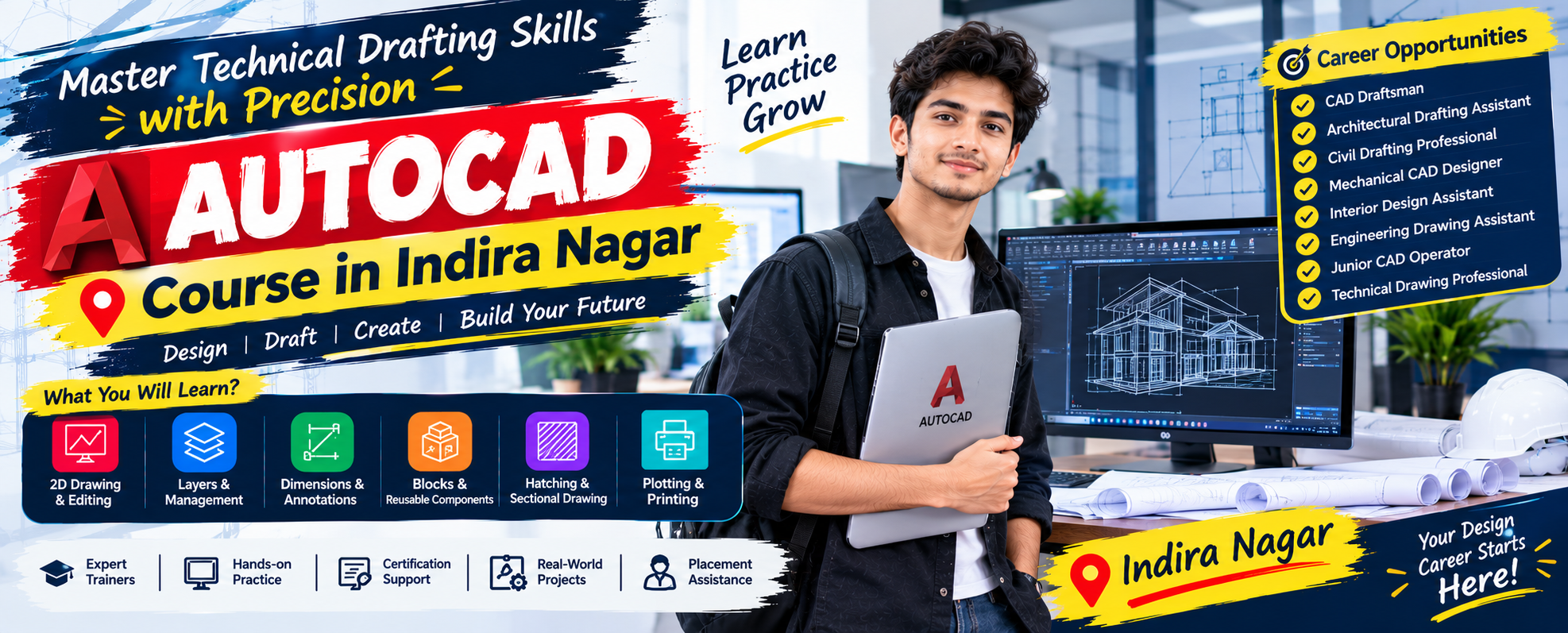
AutoCAD Course in Indira Nagar
If you want to build practical drafting skills for architecture, engineering, interior design, or construction-related work, learning AutoCAD can be a valuable step. A well-structured AutoCAD Course in Indira Nagar can help learners understand digital drafting, technical drawing, and professional design workflows from the basics onward.
The right AutoCAD Training in Indira Nagar should combine software knowledge with practical drawing exercises so students can develop confidence while working on different types of designs.
Why Learn AutoCAD?
AutoCAD is widely used for creating accurate 2D drawings and developing detailed technical layouts. Learning the software can help you move from manual drafting concepts to organized digital design.
Contact Us Now
A practical AutoCAD Institute in Indira Nagar can provide a learning environment where beginners can understand commands, drawing techniques, layers, dimensions, annotations, and plotting procedures. With consistent practice, learners can improve both speed and accuracy.
Professional AutoCAD Coaching in Indira Nagar can also help students understand how drafting tasks are approached in real working situations instead of focusing only on theoretical commands.
What Will You Learn?
A career-focused curriculum should gradually introduce you to essential AutoCAD concepts, including:
- AutoCAD interface and workspace
- Drawing and editing commands
- Lines, circles, arcs, and geometric shapes
- Object snaps and precision tools
- Layers and layer management
- Text, dimensions, and annotations
- Blocks and reusable components
- Hatching and sectional representation
- 2D architectural and mechanical drawings
- Layouts and viewport management
- Printing and plotting
- Drawing organization and file management
- Basic design standards and drafting practices
Through structured AutoCAD Training in Indira Nagar, students can practice each topic through guided exercises and progressively more detailed assignments.
Practice with Realistic Projects
Theory becomes more useful when learners apply it to practical design work. During an AutoCAD Course in Indira Nagar, students can work on projects such as floor plans, furniture layouts, room drawings, elevations, mechanical components, site layouts, and other technical drafting exercises.
Project-based AutoCAD Training in Indira Nagar allows learners to understand how individual commands work together to create complete drawings. It also encourages better planning, accuracy, file organization, and presentation.
Benefits of Professional AutoCAD Learning
Learning AutoCAD systematically can provide several useful advantages:
- Develop accurate digital drafting skills
- Understand professional drawing workflows
- Improve design visualization
- Build confidence with technical drawings
- Learn efficient editing and documentation methods
- Create projects for a personal portfolio
- Prepare for entry-level drafting responsibilities
A reliable AutoCAD Institute in Indira Nagar should focus on hands-on learning, regular assignments, instructor guidance, and opportunities to correct mistakes.
With supportive AutoCAD Coaching in Indira Nagar, learners can clarify technical concepts, improve command usage, and receive guidance while completing practice drawings.
Who Can Join?
AutoCAD learning can be suitable for students, fresh graduates, working professionals, and individuals interested in technical design. Architecture and civil engineering learners can use it for architectural layouts and construction drawings, while mechanical design learners can explore component-based drafting.
Even beginners without extensive software experience can start with fundamental concepts and gradually progress toward detailed drawings.
Career Opportunities
AutoCAD skills may be useful for roles and work areas such as:
- CAD Draftsman
- Architectural Drafting Assistant
- Civil Drafting Professional
- Mechanical CAD Designer
- Interior Design Assistant
- Engineering Drawing Assistant
- Junior CAD Operator
- Technical Drawing Professional
The opportunities available to you will depend on your education, portfolio, practical skills, and overall professional development.
How to Choose the Right Learning Environment
Before selecting an AutoCAD Institute in Indira Nagar, consider factors such as course structure, practical assignments, trainer experience, software exposure, project work, and learner support.
Good AutoCAD Coaching in Indira Nagar should make difficult drafting concepts easier to understand through demonstrations and practice. A useful learning program should also encourage students to create organized drawings rather than simply memorize commands.
Start Building Your Drafting Skills
If you are looking for a practical way to develop technical drawing abilities, an AutoCAD Course in Indira Nagar can give you a structured starting point. Combine regular practice with project work and instructor feedback to gradually strengthen your drafting capabilities.
Choose focused AutoCAD Training in Indira Nagar, practice consistently, and use every project as an opportunity to improve your precision and design understanding. The right AutoCAD Institute in Indira Nagar and effective AutoCAD Coaching in Indira Nagar can help you turn your interest in drafting into a more confident technical skill set.
Frequently Asked Questions (FAQs)
1. What is AutoCAD?
AutoCAD is computer-aided design software used to create accurate 2D drawings and technical designs.
2. What topics are covered in the AutoCAD course?
The course covers drawing commands, layers, dimensions, annotations, blocks, hatching, layouts, and plotting.
3. Who can join the AutoCAD course?
Students, graduates, working professionals, and anyone interested in technical drafting can join.
4. Can beginners learn AutoCAD?
Yes, beginners can start with basic commands and gradually learn advanced drafting techniques.
5. Is engineering knowledge required to learn AutoCAD?
Basic technical knowledge can help, but beginners can learn AutoCAD step by step.
6. Will I practice real-world drawings?
Yes, practical exercises may include floor plans, furniture layouts, elevations, and mechanical components.
7. What skills can I develop through AutoCAD training?
You can develop skills in digital drafting, drawing accuracy, dimensioning, editing, and technical documentation.
8. What career options are available after learning AutoCAD?
Career options may include CAD Draftsman, CAD Operator, Architectural Drafting Assistant, and Mechanical CAD Designer.
9. What is the fee for the AutoCAD course?
Fees may vary depending on the course duration and syllabus. Contact Hanumant Technology for current fee details.
10. How can I enrol in the AutoCAD course?
Contact Hanumant Technology for admission details, batch timings, course fees, and the latest syllabus.